Upload Anything
Syllabi, schedules, slides, rubrics, PDFs, Docs, Google Drive, and more.
Built for teachers. Designed for control.
Scaffold extracts your syllabus, units, assignments, and rubrics then builds a structured course draft so you can review, refine, and publish with confidence.
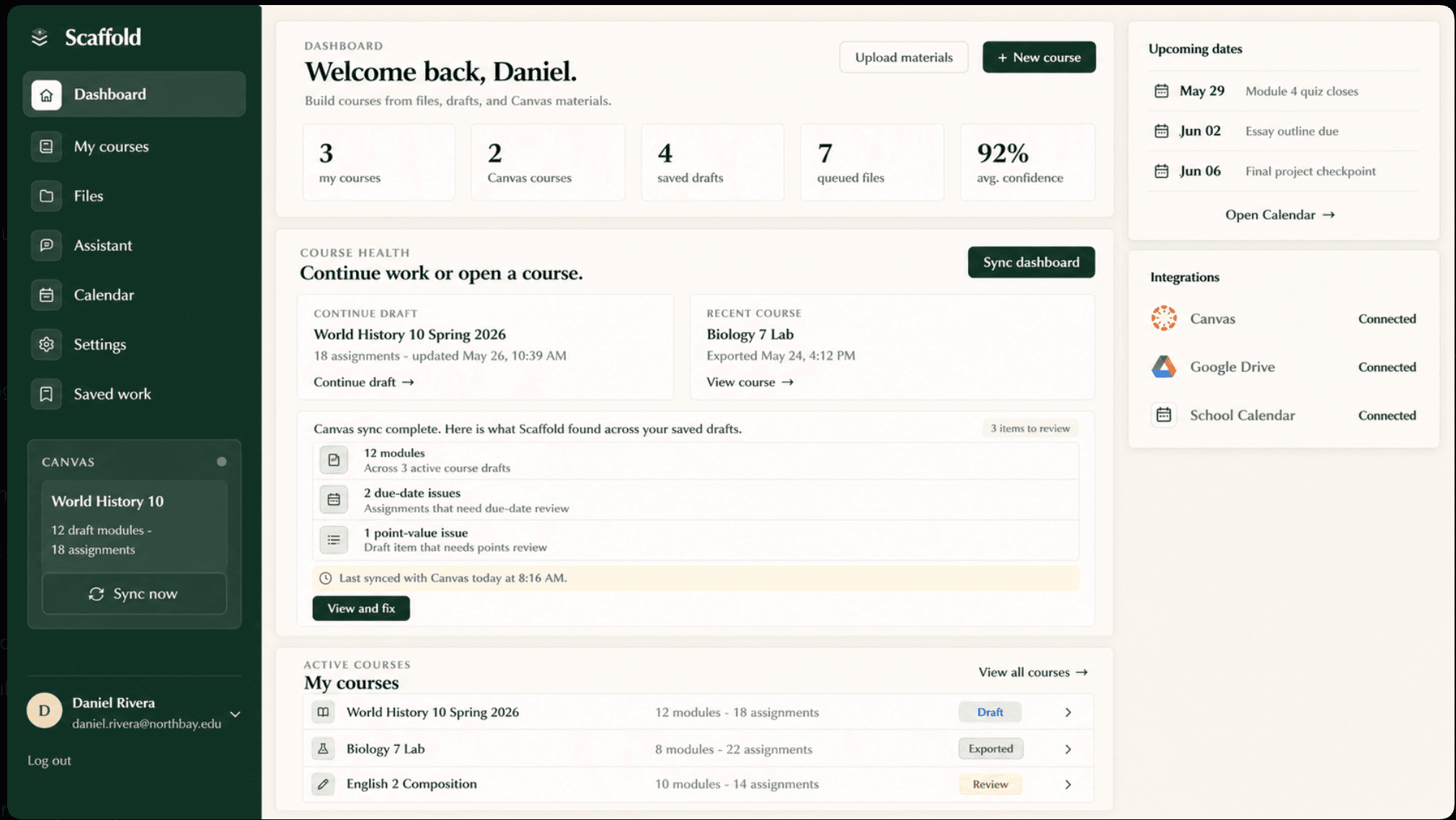
Built for how teachers work
Syllabi, schedules, slides, rubrics, PDFs, Docs, Google Drive, and more.
Scaffold identifies units, assignments, dates, standards, and more.
You confirm everything before it is sent to Canvas.
Structured modules, assignments, pages, and due dates.
Publish only when you are ready. We keep students safe.
Get smart checks, warnings, and insights to stay ahead.
Course readiness
Teachers choose what matters for the course, then Scaffold checks Canvas setup against that intent.
Course readiness report
Teacher-set checksFor professors
A planned workflow for accreditation, course handoff, and professors who need a readable record of what students saw.
Course archive export
PlannedModule 1
Pages, assignments, files
Module 2
Readings and discussion
Module 3
Optional archive section
Teacher feedback
Pilot schools and teams
Free to try. No credit card required. Cancel anytime.
Powerful features
Ask questions, make changes, and get help instantly.
Get activity ideas, pacing suggestions, and more.
Choose Drive files or paste links without moving everything into Canvas first.
Choose which details matter for each course so reports stay useful.
Map to standards and learning objectives easily.
Auto-suggest dates that avoid holidays and breaks.
Update assignments, dates, and modules at once.
Read-only checks first. Teacher confirmation before Canvas changes.
See changes, restore versions, and stay safe.
Questions? We have answers
Scaffold accepts PDFs, DOCX files, XLSX/CSV spreadsheets, rubrics, assignment sheets, schedules, and Google Doc or Drive links. Course queues are saved to your account so you can review materials before extraction.
No. You can upload materials, generate a draft, and review the structure before connecting Canvas. Canvas is only needed when you want live course checks or an export preview.
Scaffold keeps teacher control at the center: drafts are tied to your account, exports require confirmation, and the assistant avoids showing individual student names. We are still pre-launch, so schools should treat this as an early-access workflow while security review continues.
Yes. You can try the Biology 102 demo without an account, or create a free account to test the upload, review, saved work, and Canvas export flow with your own materials.